 Form
Design the space
Lay out walls, place openings and props, and review the scene in plan, elevation, or 3D.
Design. Build. Automate.
Design interactive physical environments, plan the build, and create shows that coordinate video, sound, and timed effects.
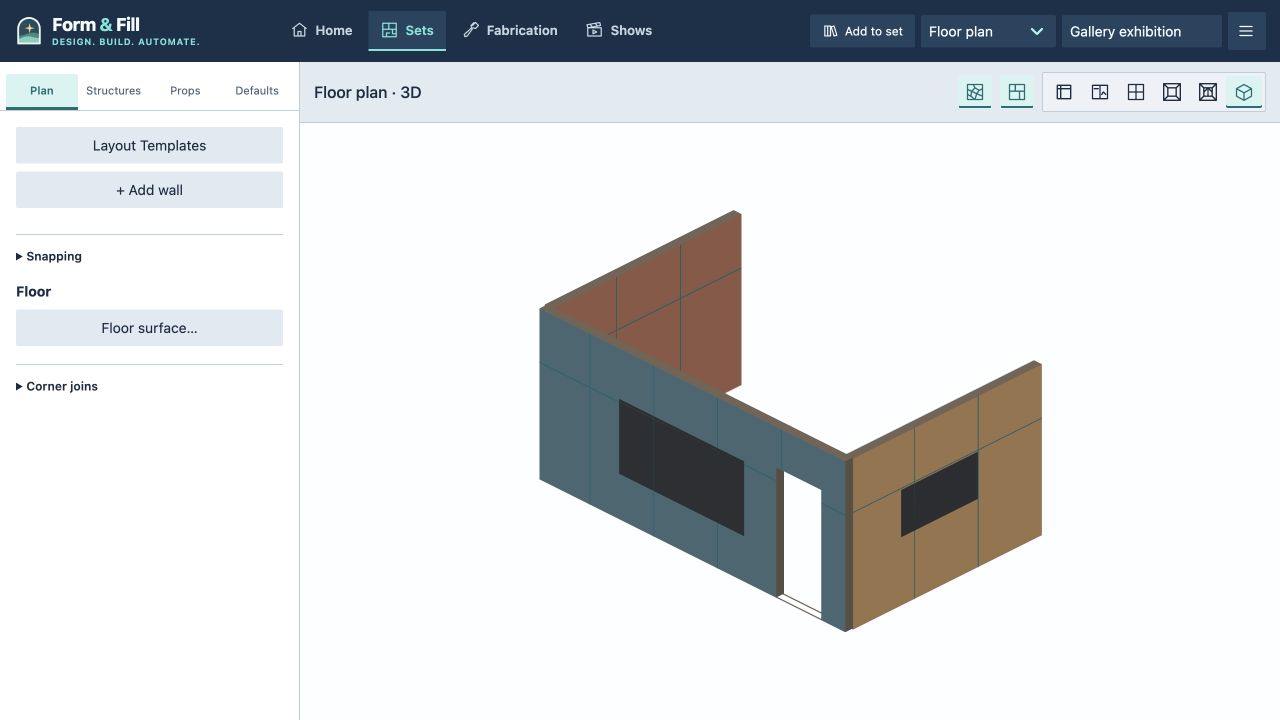
Lay out walls, place openings and props, and review the scene in plan, elevation, or 3D.
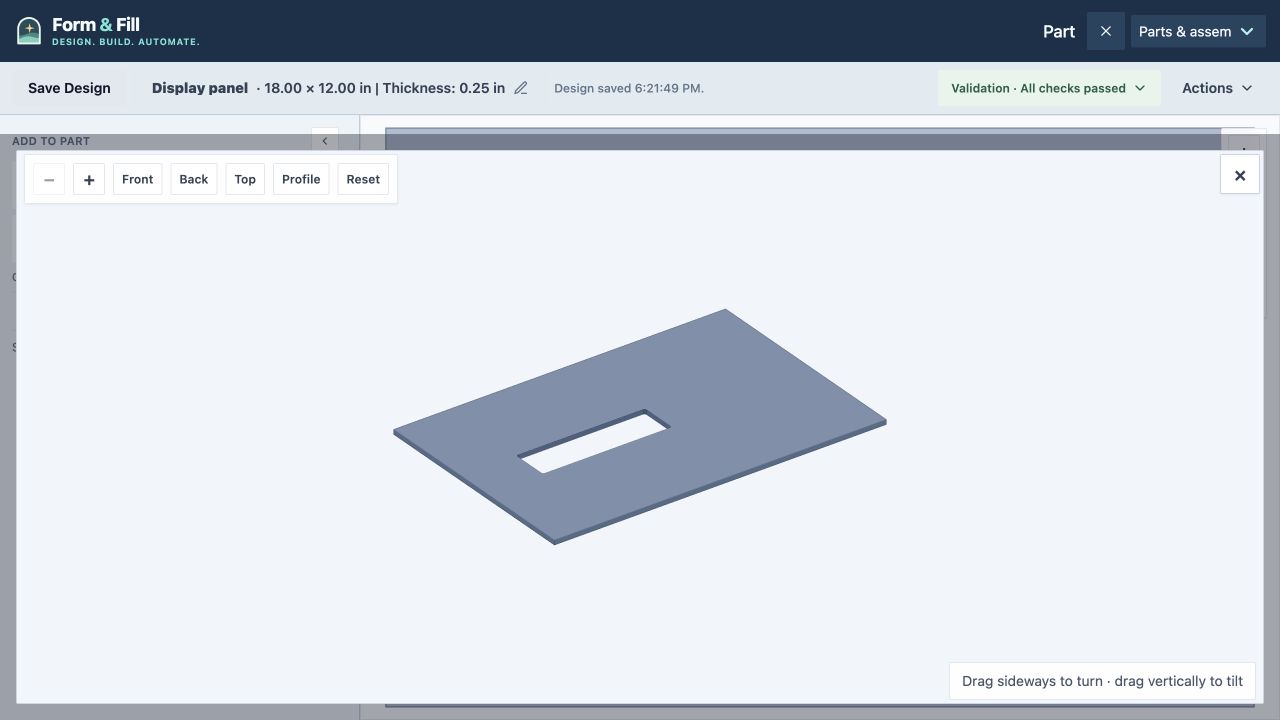
Design parts and assemblies, specify materials and layers, and prepare cutouts and engraving. Export geometry to your CNC workflow.
Give the space a timeline. Place video, audio, and effects on separate tracks, tie cues to a set, and rehearse the sequence in Presenter.
Studio can author and rehearse cues today. Automatic looping and live control of lights and other devices are planned.
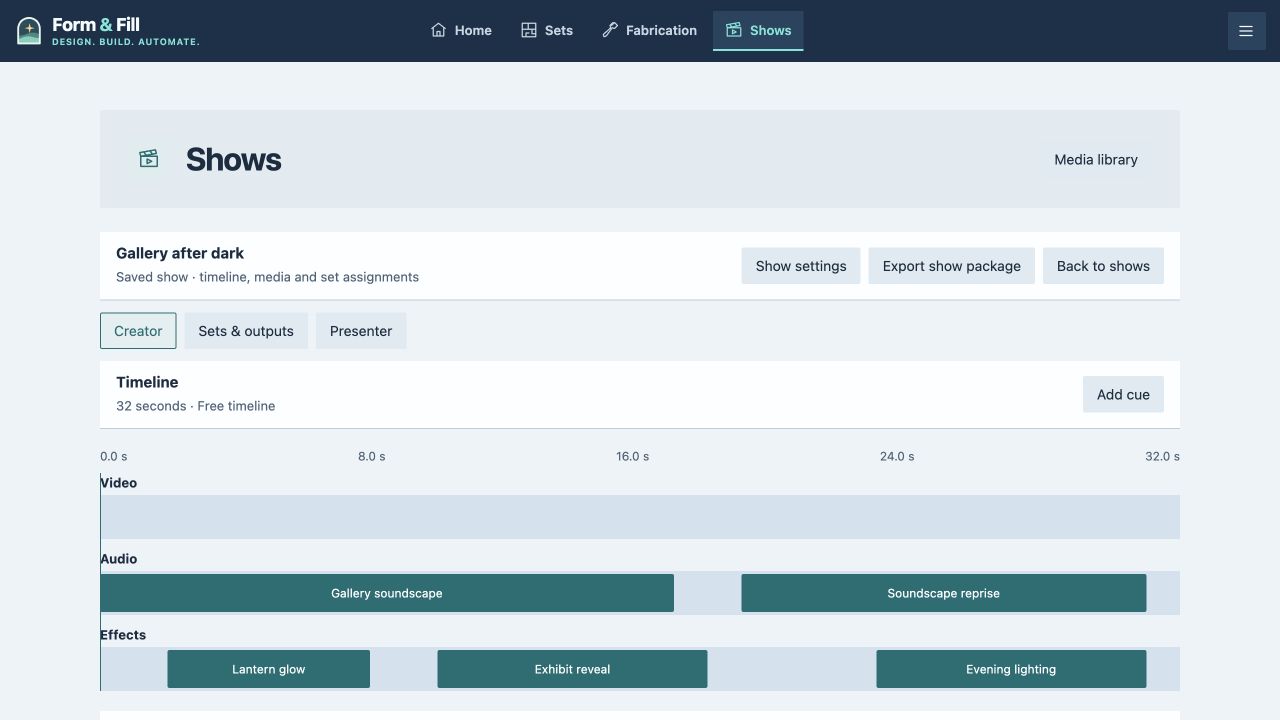
Build scenic flats, then time a reveal to music, a video backdrop, or a scene change.
Design a walk-up display and plan a repeating sequence that introduces each new group to the story.
Build a themed feature and plan how ambient audio, displays, and effects change throughout the experience.
Make a physical backdrop for a lesson and use narration, visuals, and effects to tell the story.
Keep your sets, parts, assemblies, and shows together. Sign in on another machine to open the same saved workspace.
Open StudioStudio is currently private and requires an authorized ChatGPT account.